How to Clean Data in Google Sheets
Step-by-Step for YouCubed & HS Data Science Teachers permalink
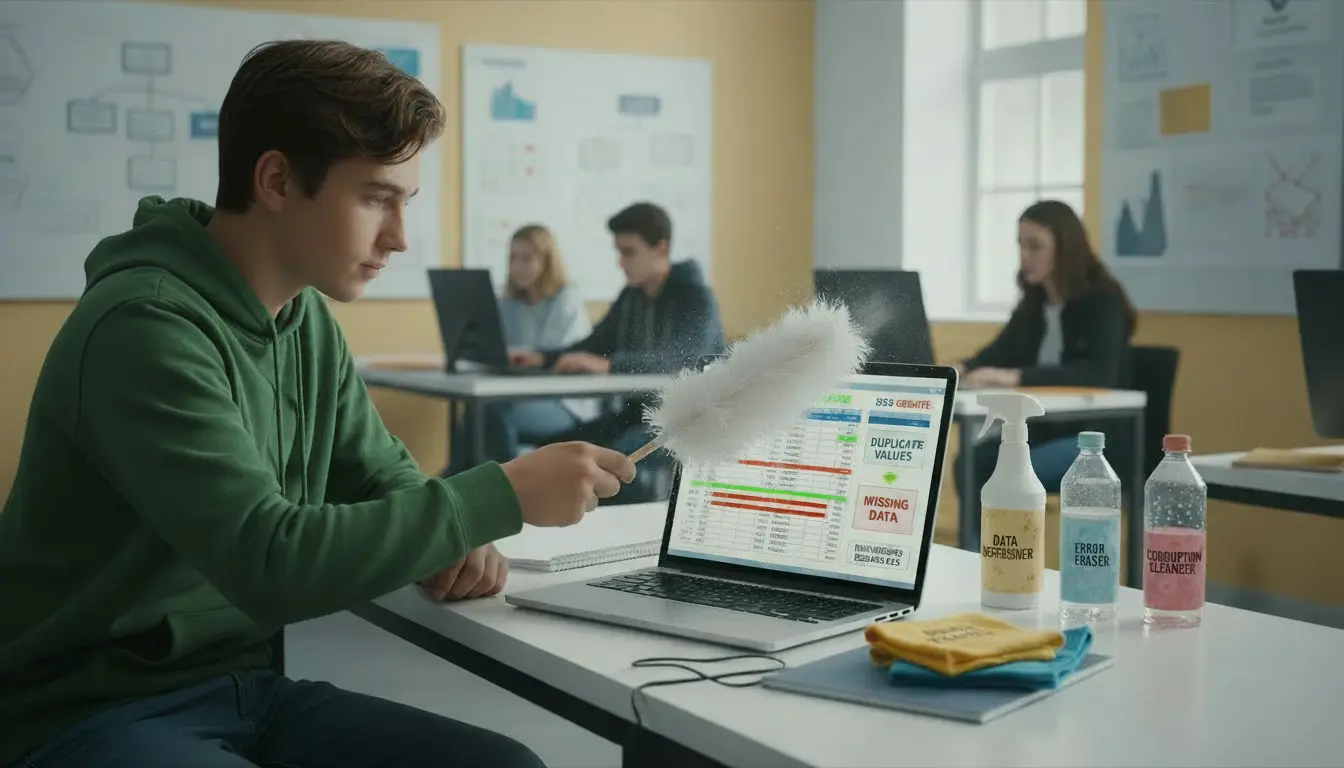
Cleaning data is one of the most underrated — and most important — skills in any high school data science course. Whether your district is rolling out the YouCubed HS Data Science curriculum*, IDS*, or a state-developed pathway, students will need to learn how to:
- identify messy or inconsistent data
- standardize capitalization
- remove units and stray characters
- fix typos and inconsistencies
- prepare data for sorting, filtering, and visualizations
This post walks through the entire process using Google Sheets, and includes:
- a free student handout
- a copy/paste dataset (including intentionally messy entries)
- a downloadable CSV/XLSX
- an optional paid teacher bundle with keys, lesson plans, screenshots, and the Common Errors reference sheet
Below is the full video lesson that accompanies this activity.
📥 Copy/Paste Dataset (Messy Version) permalink
Teachers and students can paste this directly into Google Sheets.
It includes:
- inconsistent spacing
- inconsistent capitalization
- missing values
- a blank record
- typos (“Rigth”)
- units included in numeric fields
Messy Dataset Table permalink
| Student Name | Paper Type | Distance | Hand Used | Throwing style |
|---|---|---|---|---|
| Ava | NoteBook | 182 cm | Right | overhand |
| Jayden | notebook | 160 | Left | Underhand |
| Amir | Printer | 198cm | right | Overhand |
| Maya | Note Book | 172 | Right | Under hand |
| Ethan | Printer | Left | Overhand | |
| Sophia | notebook | 155 | Right | Underhand |
| Noah | Notebook | 188 | Right | Overhand |
| Isabella | Printer | 203 cm | Right | Underhand |
| printer | 186 centimeters | L | Overhand | |
| Mateo | NoteBook | 176 | Left | Overhand |
| Kai | Printer | 190cm | Right | Overhand |
Copy the CSV and Paste it into Google Sheets permalink
Ava,Notebook,182 cm,Right,overhand
Jayden,notebook,160,Left,Underhand
Amir,Printer,198cm,right,Overhand

Maya,Note Book,172,Right,Under hand
Ethan,Printer,,Left,Overhand
Sophia,notebook,155,Right,Underhand
Noah,Notebook,188,Right,Overhand
Isabella,"Printer ",203 cm,Right,Underhand
" ",printer,"186 centimeters",L,Overhand
Mateo,NoteBook,176,Left,Overhand
Kai,Printer,190cm,Right,Overhand
Pro Tip: If the data pastes into a single column, select the data, go to the Data menu, and choose Split text to columns. Google Sheets usually detects the commas automatically!
📁 XLSX Version permalink
⬇️ Download the Sample Student Dataset
🎯 What This Lesson Covers permalink
Students will learn how to:
- remove units (cm, ft, etc.)
- correct inconsistent capitalization
- remove hidden spaces
- apply LOWER(), UPPER(), and PROPER()
- safely use Find & Replace
- convert formulas to text
- delete blank or corrupted rows
- prepare data for sorting, filtering, and pivot tables
This directly supports multiple early units in high school data science:
- YouCubed HS Data Science Units 1 & 2 *
- IDS (UCLA) early modules *
- Maryland Data Science Pathway introductory competencies
Free Student Handout (Warm-Up) permalink
Use this before teaching the data cleaning steps — students highlight what looks “messy,” which primes them for the lesson.
Common Data Cleaning Fixes Reference Sheet permalink
PDF Quick Reference handout for students covering removing whitespace, fixing capitalization, using find and replace, and dealing with blanks
Full Teacher Bundle (Lesson Plan + Keys + Reference Sheet) permalink
The premium download includes:
- 10-page teacher guide
- Full answer key
- Student-ready handout (editable)
- Common Errors Reference Sheet
- Discussion questions & extensions
- STAR framework activity format
- Classroom tips & differentiation options
Why Data Cleaning First? permalink
Before students can analyze anything — in Sheets, CODAP, Tableau, or Python — they need to learn that:
- data arrives messy
- tools do not fix errors for them
- small inconsistencies create big downstream problems
- transparency + documentation = real data science
- cleaning is part of “showing your work”
This mirrors industry practice and prepares them for later work in:
- regressions
- visualizations
- modeling
- simulations
- coding in Python/Colab
🔗 More Resources Coming Soon permalink
The full Google Sheets series includes:
- Sorting & Filtering
- Descriptive Statistics
- Pivot Tables & Charts
- Simulations with RANDBETWEEN() + COUNTIF()
- Intro to CODAP
- Intro to Google Colab & Python